

Guides
If you’re setting up Trunk Flaky Tests for the first time, you can follow the guides for your CI provider and test framework.Guides by Test Frameworks
Guides by CI Provider
Manual Download
You can find the list of releases on the GitHub release page. We provide executables for Linux and OS X. It’s a single file inside a tar and upon downloading the tar you will find a single binary -trunk-analytics-cli to use.
Organization Slug and Token
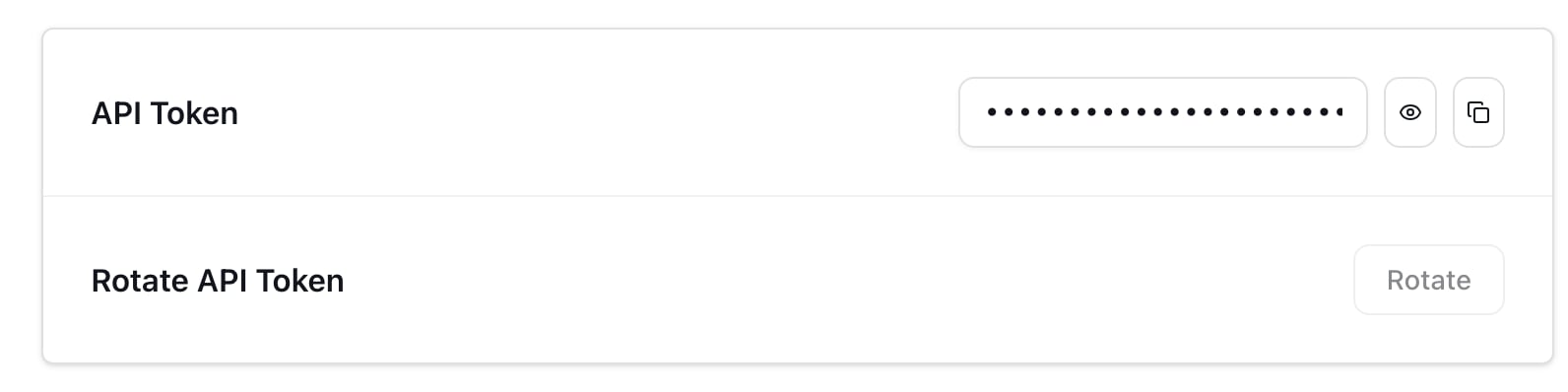
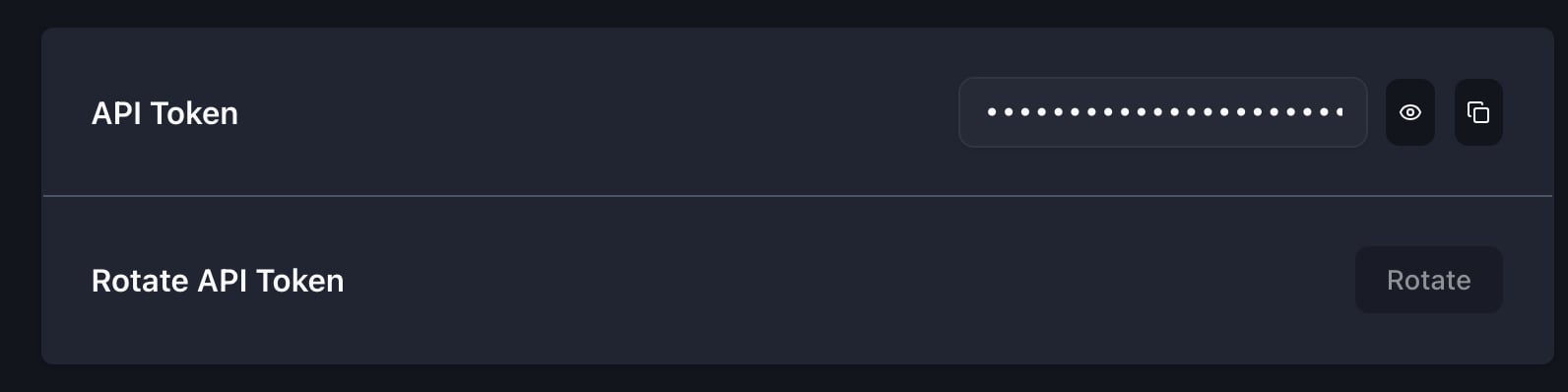
The CLI requires your Trunk organization slug and token passed through--org-url-slug and --token to upload results to the correct organization. They can alternatively be set via environment variables, TRUNK_ORG_URL_SLUG and TRUNK_API_TOKEN, respectively.
You can find your organization slug and token by navigating to Settings → Organization → General.
Your organization slug is the tail of your dashboard URL (
app.trunk.io/<org-slug>). It defaults to your organization name with spaces replaced by hyphens. To change it, contact help@trunk.io.- Slug
- Token
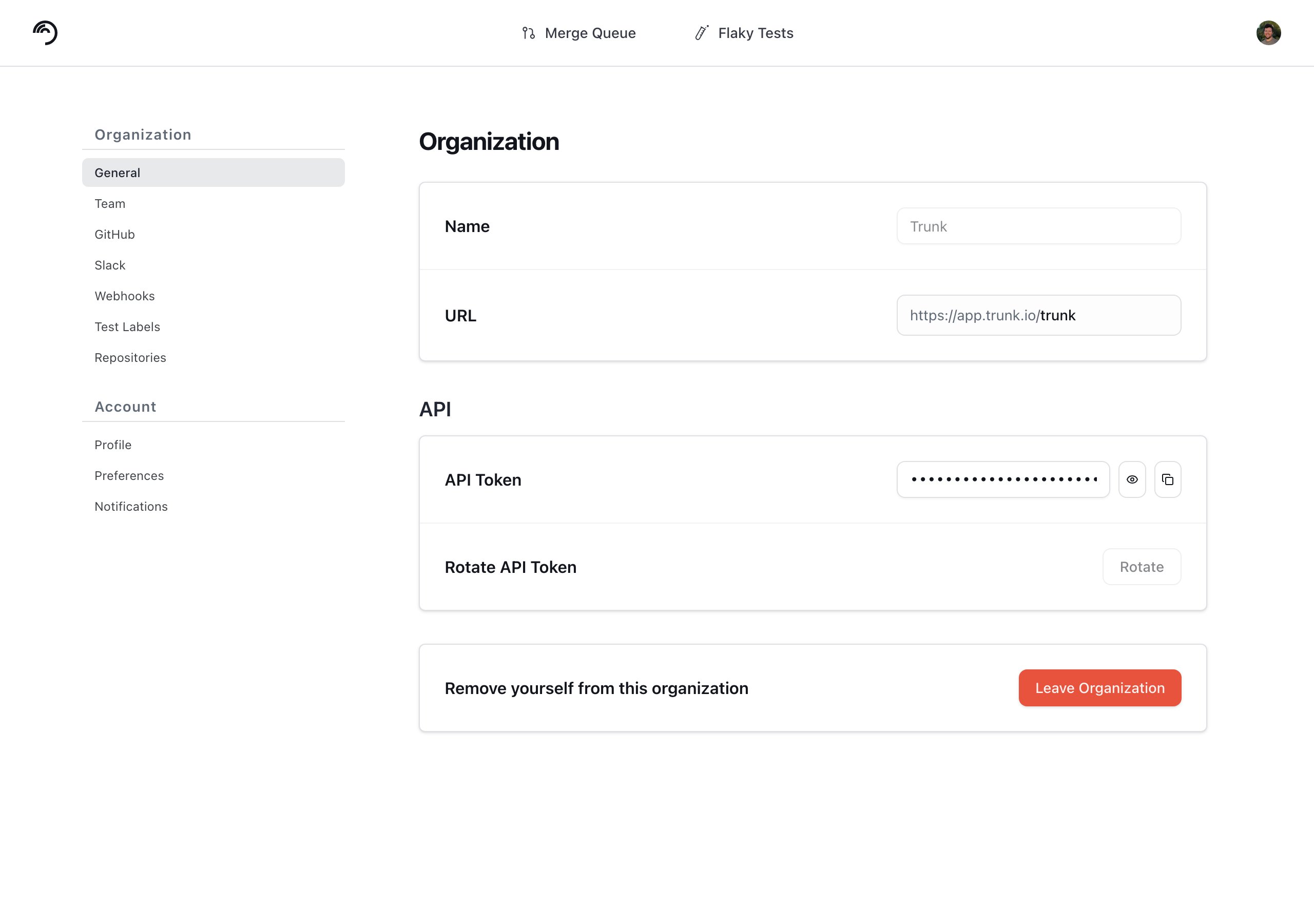
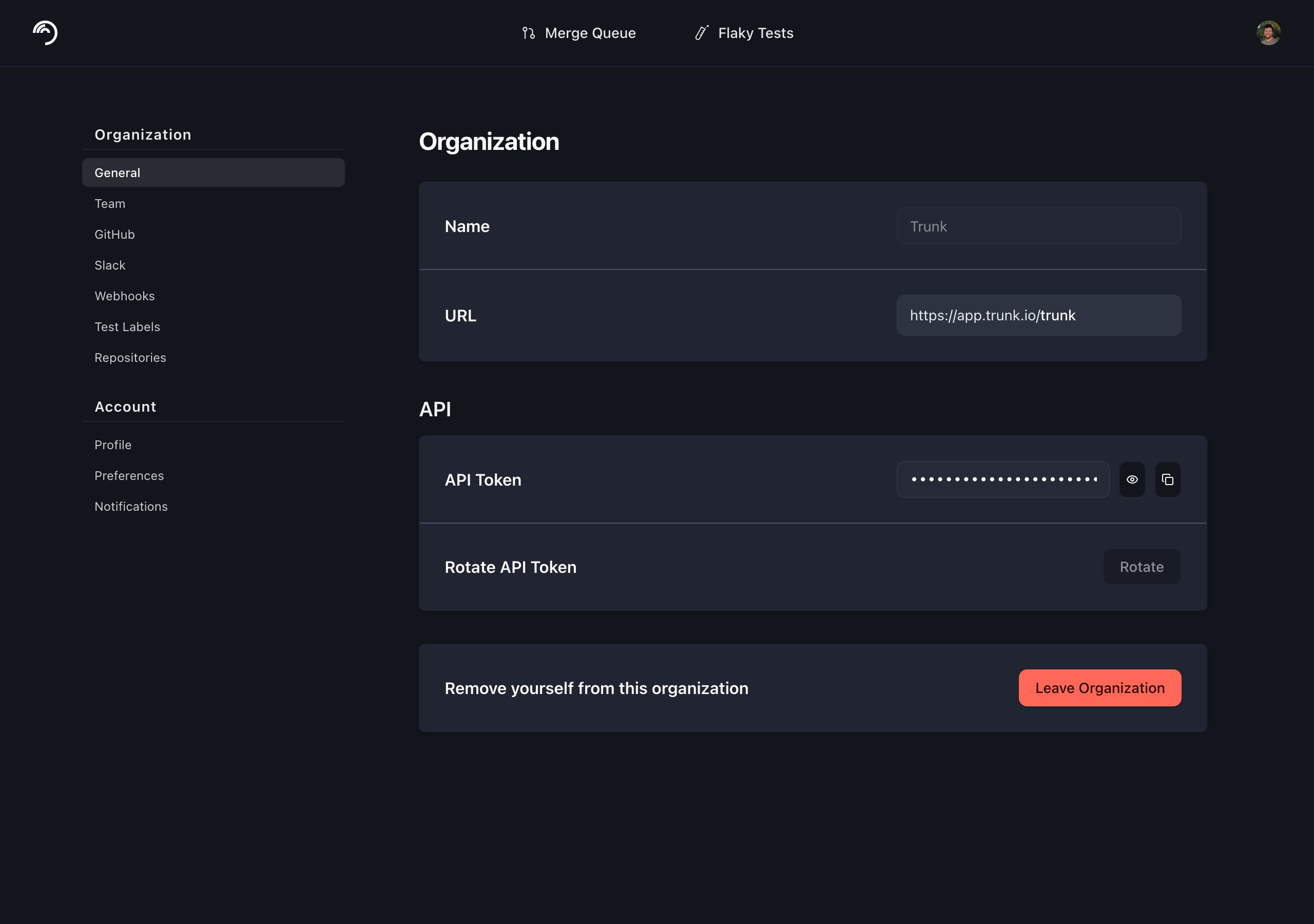
Make sure you are getting your Organization Slug, not the Organization Name.
Uploading Test Results
The uploaded tests are processed by Trunk periodically, not in real-time. Wait for at least an hour after the initial upload before they’re displayed in the Uploads tab. Multiple uploads are required before a test can be accurately detected as flaky.
./trunk-analytics-cli upload command like this:
- XML
- Bazel
- XCode
Trunk can accept JUnit XMLs through the
--junit-paths argument:Variants
If you run the same tests across different environments or architectures, you can use variants to separate these runs into distinct test cases. This allows Trunk to detect environment-specific flakes. For example, a test for a mobile app might be flaky on iOS but stable on Android. Using variants, Trunk can isolate flakes on the iOS variant instead of marking the test as flaky across all environments. You can specify a variant during upload using the--variant option:
Upload an iOS variant
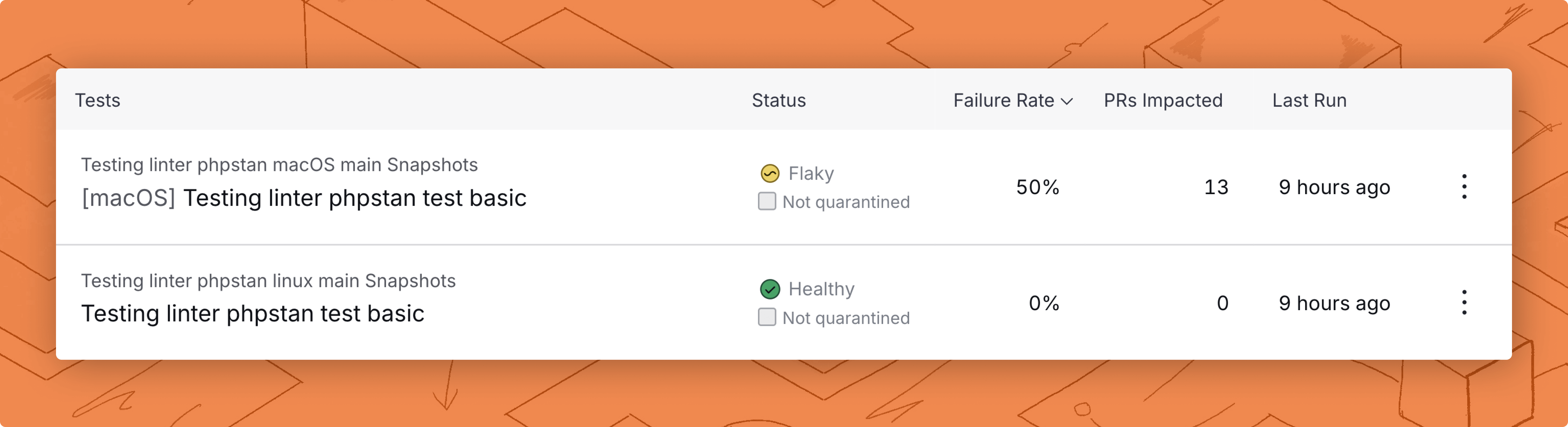
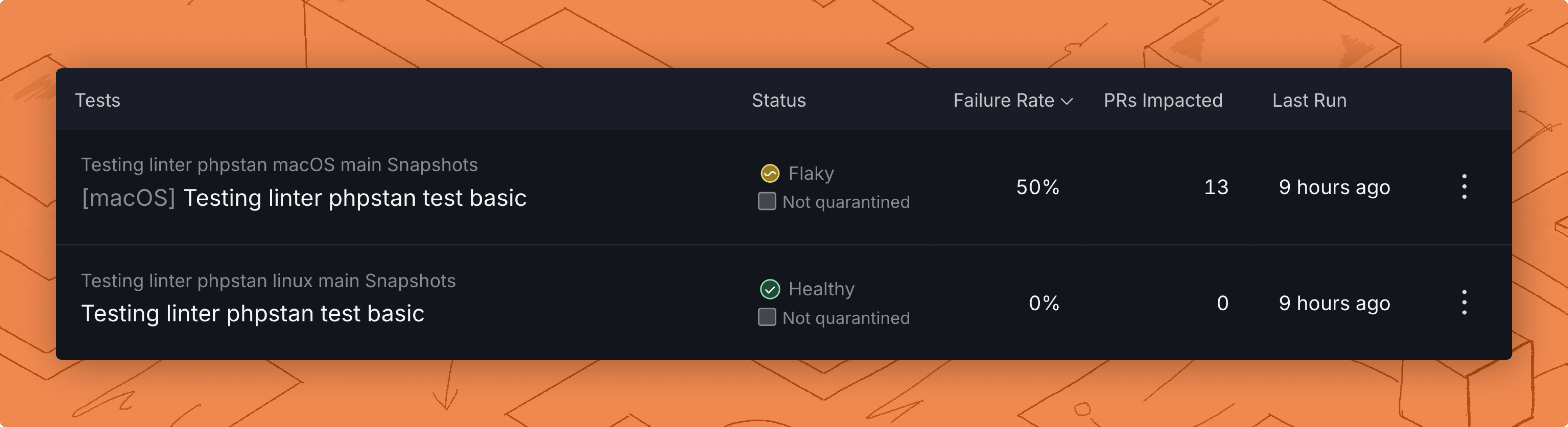
The same test, but the first is a macOS variant.
Running and Quarantining Tests
You can also execute tests and upload results to Trunk in a single step using thetest command to wrap your test command.
This is especially useful for Quarantining, where the Trunk Analytics CLI will override the exit code of the test command if all failures can be quarantined, preventing flaky tests from failing your builds in CI.
When to use
upload vs testUse test when you want Trunk to run your test command directly and set the build exit code based on quarantine status.Use upload when an external runner (or a post-processing step) has already produced JUnit XML and you only need to ship the results. upload will not re-run tests; it ingests the report and sets the exit code based on quarantine status. This is the right command when your test framework’s JUnit reporter can’t be configured for Trunk’s needs and you have to post-process the XML before uploading.- XML
- Bazel
- XCode
Trunk can accept JUnit XMLs through the
--junit-paths argument:Service Availability and Graceful Degradation
Trunk Analytics CLI is designed to fail safe when our quarantine service is unavailable. Read more at Quarantine Service AvailabilityUpload failure vs test failure
We use theSOFTWARE exit code (70) if the upload fails.
If you use the test command and tests fail without the failures being quarantined, we return the provided exit code from the wrapped execution.
If you use the upload command, we return exit code FAILURE or the exit code provided with the --test_process_exit_code argument.
Validating reports locally
You can validate the test reports produced by your test frameworks before you set up Trunk in your CI jobs. This is currently only available for XML reports. You can run the validate command like this:validate command will output any problems with your reports so you can address them before setting up Trunk in CI.
Using custom CI systems
The CLI is preconfigured to work with a set ci-providers but can be used with any CI system by passing #environment-variables to the uploader.More information on using otherci.md is documented here.
Troubleshooting
"No tests were found" on upload, even though tests ran
"No tests were found" on upload, even though tests ran
This message means the CLI parsed the report inputs and found zero test cases. A few common causes:
- The test runner exited before writing JUnit XML. A fatal exception in Playwright, Storybook, or any runner that produces JUnits at the end of the run will leave you with no XML file (or an empty one). Check the CI logs for an error from the runner that happened before the upload step.
-
Bazel BEP JSON ingestion. Trunk currently parses Bazel BEP more reliably from the binary format than from JSON. If you’re passing
--bazel-bep-pathwith a JSON file produced by--build_event_json_file, switch to the binary BEP: -
Globs didn’t match any files. Confirm that
--junit-pathsresolves to actual.xmlfiles in the working directory the CLI is run from. Wrap globs in quotes so the shell doesn’t expand them before the CLI sees them, and check that the report files contain<testcase>entries — not just<testsuite>shells.
"test case name too short" or "classname too short" from validate
"test case name too short" or "classname too short" from validate
These warnings come from the
validate command (and the same checks run server-side on upload). They mean a test case has a name or classname so short it’s likely to collide with another test case in your suite — Trunk uses name + classname to identify a test across runs, and very short values increase the chance of false matches.Today, the warning surfaces the offending value but does not name the source file. If you see these:- Grep your JUnit XML for the short value to find the originating test case.
- Where possible, configure your test framework to emit fully-qualified classnames (for example, including the file path or package).
Wrapping an external test runner without re-running tests
Wrapping an external test runner without re-running tests
If your test framework’s JUnit reporter doesn’t expose enough configuration (for example, Cypress’s Pass
mocha-junit-reporter doesn’t support filePathPrefix), you may need to post-process the XML before sending it to Trunk. In that case, don’t use test — it will re-run your tests. Use upload instead:--test-process-exit-code so Trunk knows whether the original test process succeeded or failed; this is what the upload command uses to decide whether to override the exit code based on quarantine status.Full command reference
Thetrunk command-line tool can upload and analyze test results. The trunk-analytics-cli command accepts the following subcommands:
The
upload and test commands accept the following options:
Memory OverheadRunning tests via
trunk-analytics-cli test adds negligible memory overhead.This subcommand is a thin wrapper around your existing test command and doesn’t modify or parallelize test execution.During execution, it:- Runs your provided test command directly.
- Records start and end times.
- Captures the exit code for quarantine decisions.